1. Go to https://www.microsoft.com/en-gb/microsoft-teams/download-app
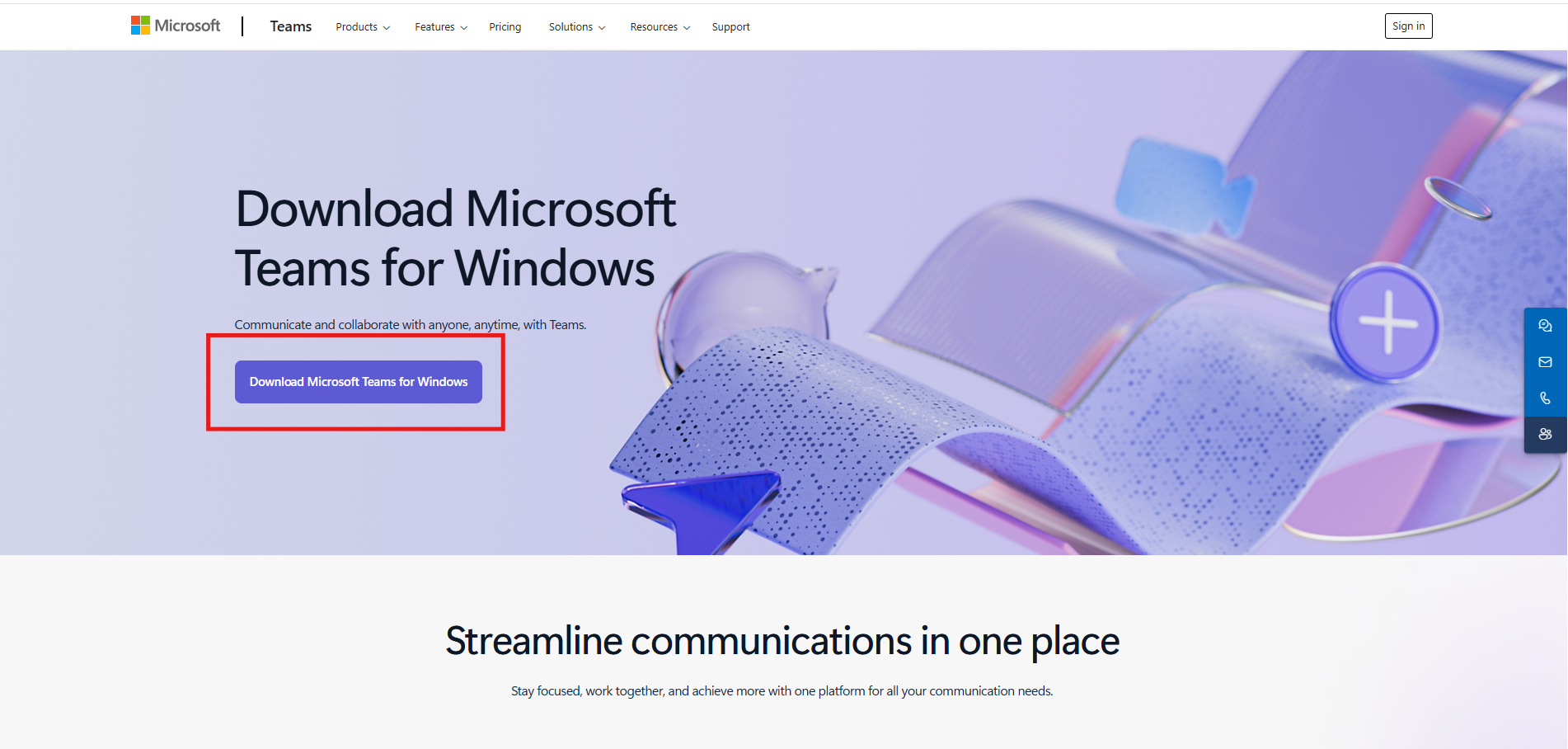
2. Click 'Dowload Microsoft Teams for Windows':
3. After downloading, double click the download file and Teams will install.
4. If you need the admin username/password to install, please raise an IT ticket.
5. Sign in to Teams using your Cambridgecab email.
Was this article helpful?
That’s Great!
Thank you for your feedback
Sorry! We couldn't be helpful
Thank you for your feedback
Feedback sent
We appreciate your effort and will try to fix the article